FrontLark Payments
Get paid in the driveway.
Invoices start themselves from the booking. Customers tap to pay on your phone, and the receipt and review request go out by text.
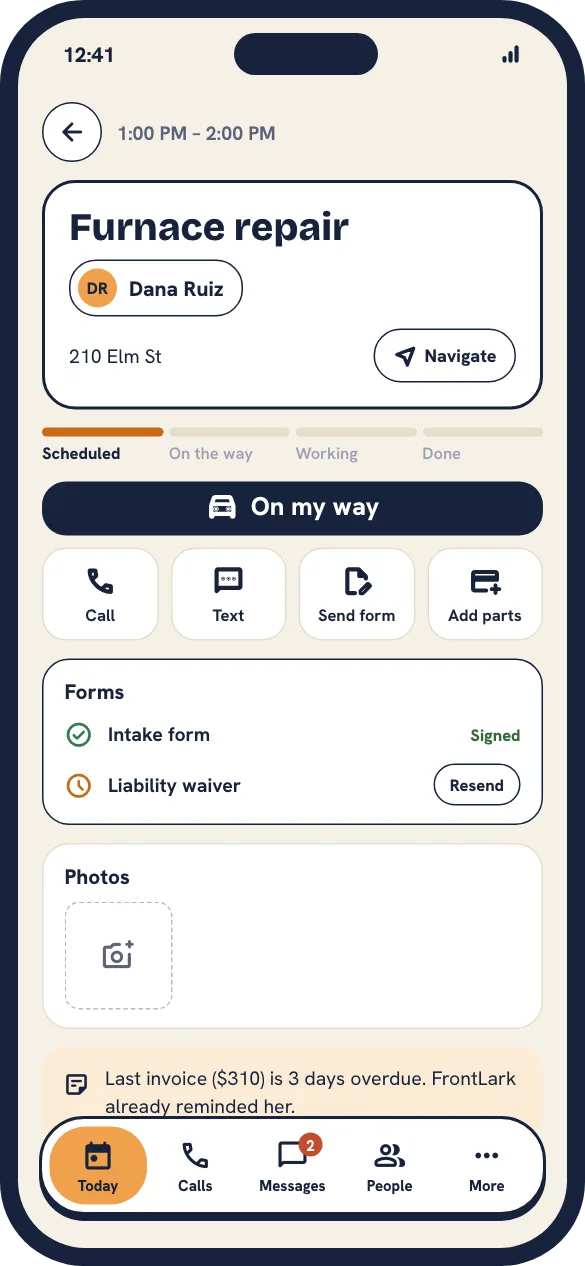

The real app
How shops use it
Close out the job before you close the truck.
- HVAC
Repair on the spot
The tech adds the capacitor, the customer taps their card, and the job is marked paid before the truck leaves.
Paid same day
- Electrical
Deposits on big jobs
Send a deposit link with the estimate. The panel upgrade goes on the calendar once it’s paid.
No more no-shows on big jobs
- Landscaping
Monthly maintenance
Keep a card on file and charge after each visit, with a text receipt every time.
No chasing monthly invoices
From finished job to paid in under a minute.
The invoice starts itself
Pulled from the booking and the call notes.
Add parts and labor
Adjust lines and prices on your phone.
Tap to pay or send a link
In person on your phone, or by text for later.
Receipt and review request
Texted automatically, and your daily totals update.
What’s included
Tap to pay on your phone
Cards and phone wallets, no extra hardware.
Payment links by text
For customers who aren’t home when you finish.
Deposits
Collect upfront on big jobs before they hit the calendar.
Cards on file
Charge recurring customers after each visit.
Review requests
Sent after payment, when customers are happiest.
Daily totals
Collected, outstanding and who still owes you.
Better with the rest of FrontLark
Same customers, same calendar, same rules across every product.